
Video tour
See it in under a minute.
Thirteen short videos, one idea each, with sound. Every card plays, and you can switch captions on in the player.
Video library
Pick the part you need.
Start with the 60-second tour, then jump to the moment you need: Before, During, After, Talk, or licence and updates.
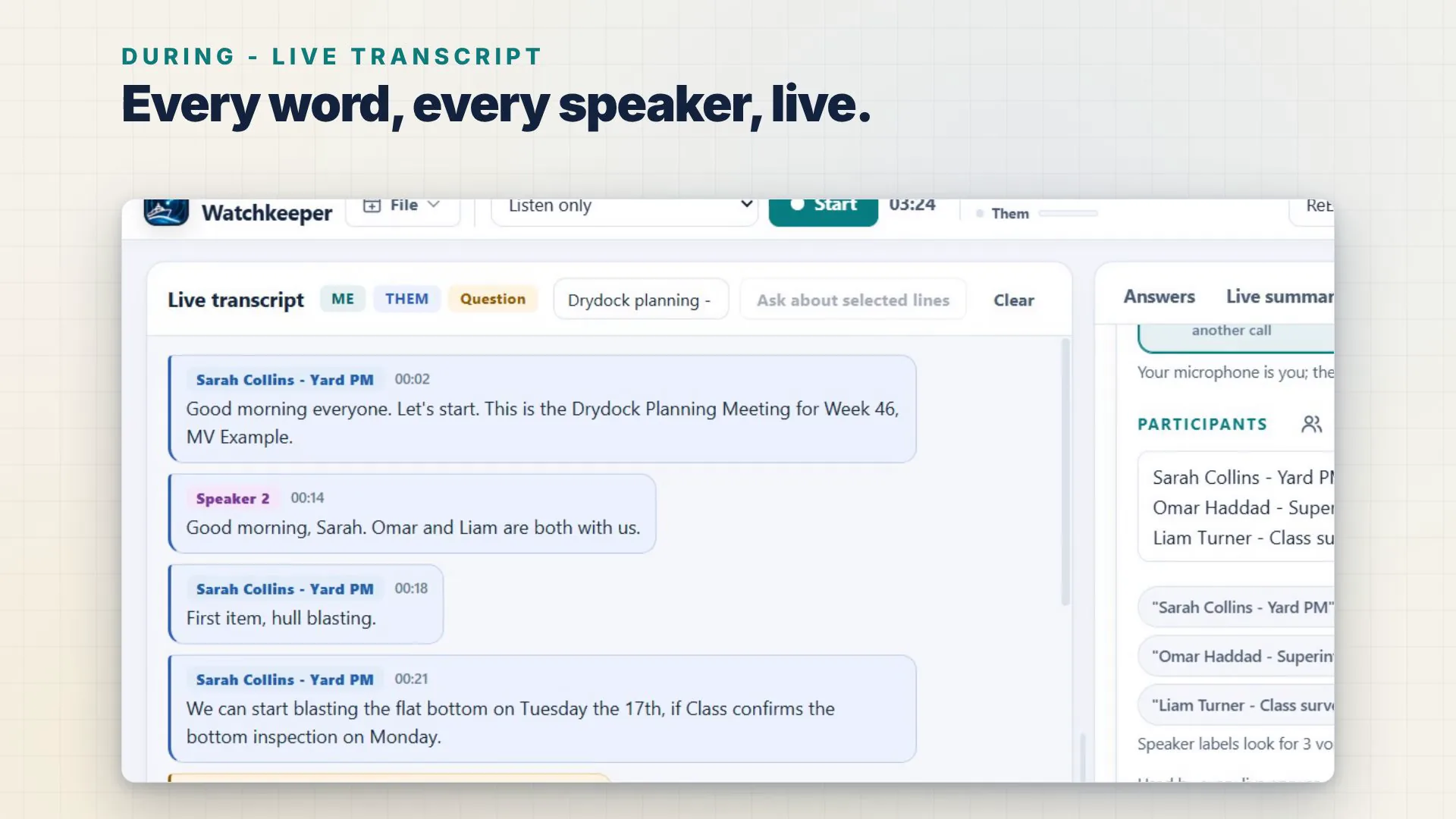
Watchkeeper in 60 seconds
The whole idea: prepare, run and finish a meeting.
Start here
-
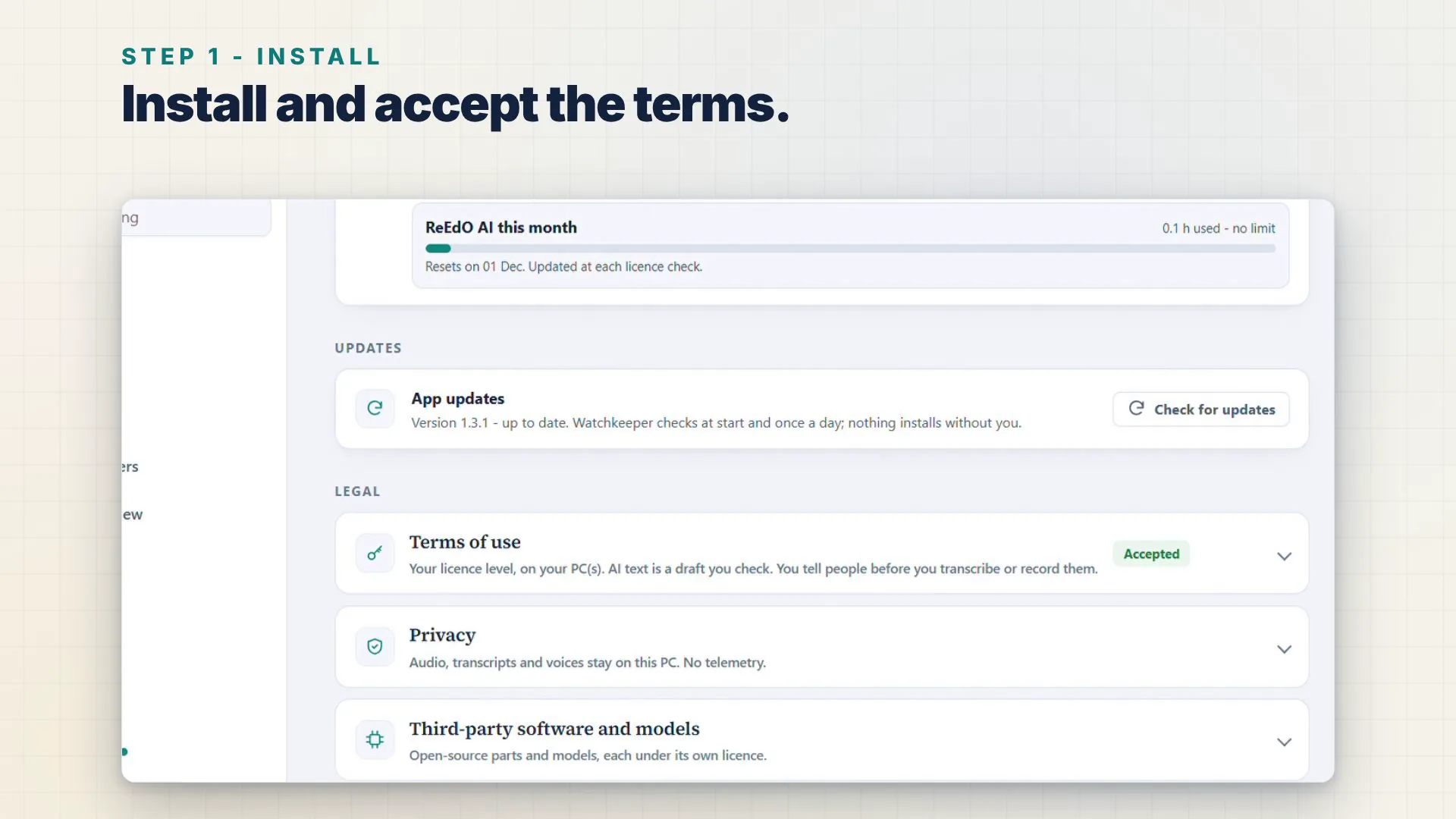
Install and first meeting
Install, accept the terms, let the speech models install by themselves, start.
Before
-
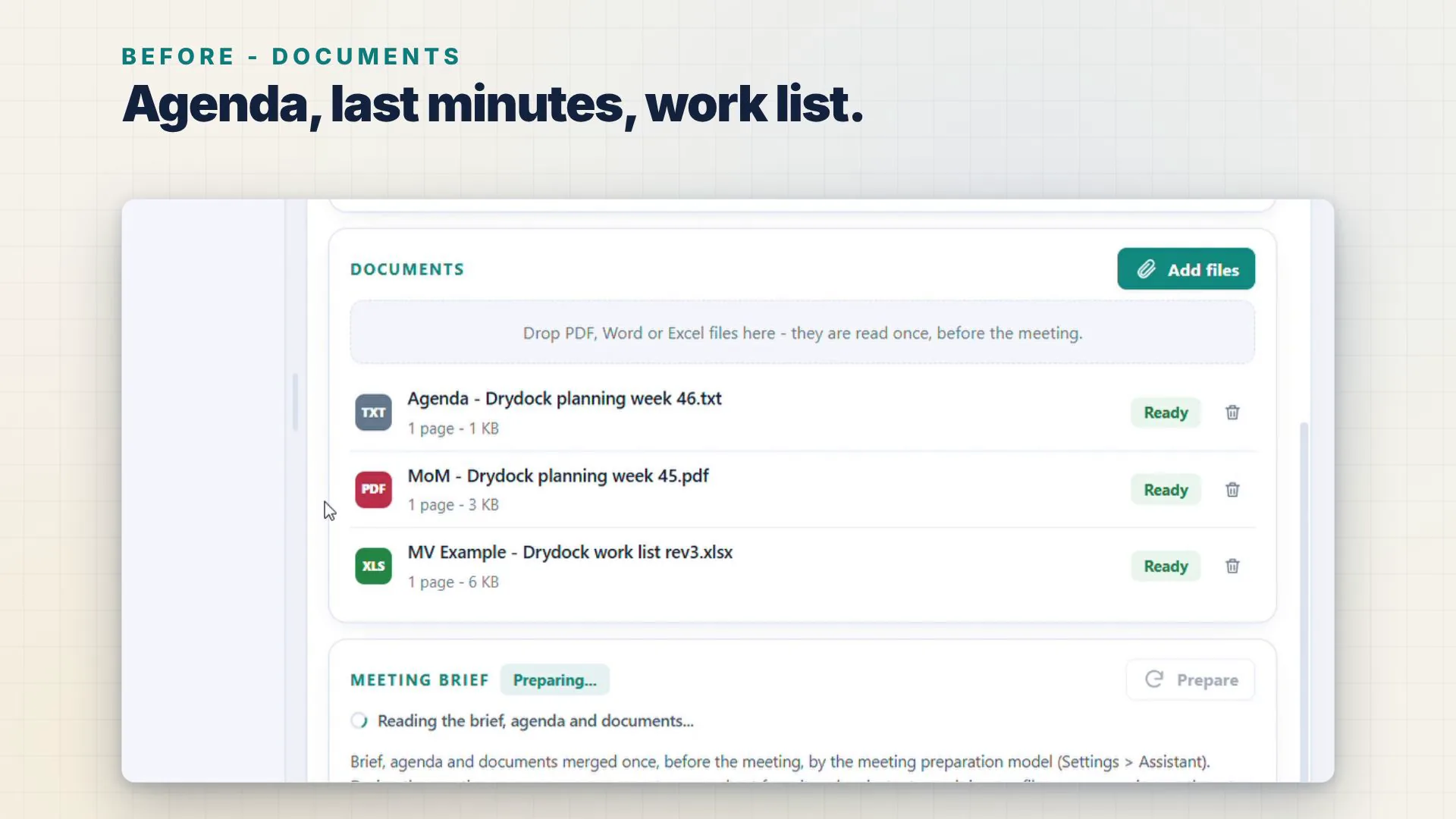
Prepare: brief, agenda, questions
Documents in, meeting brief and questions out.
During
-
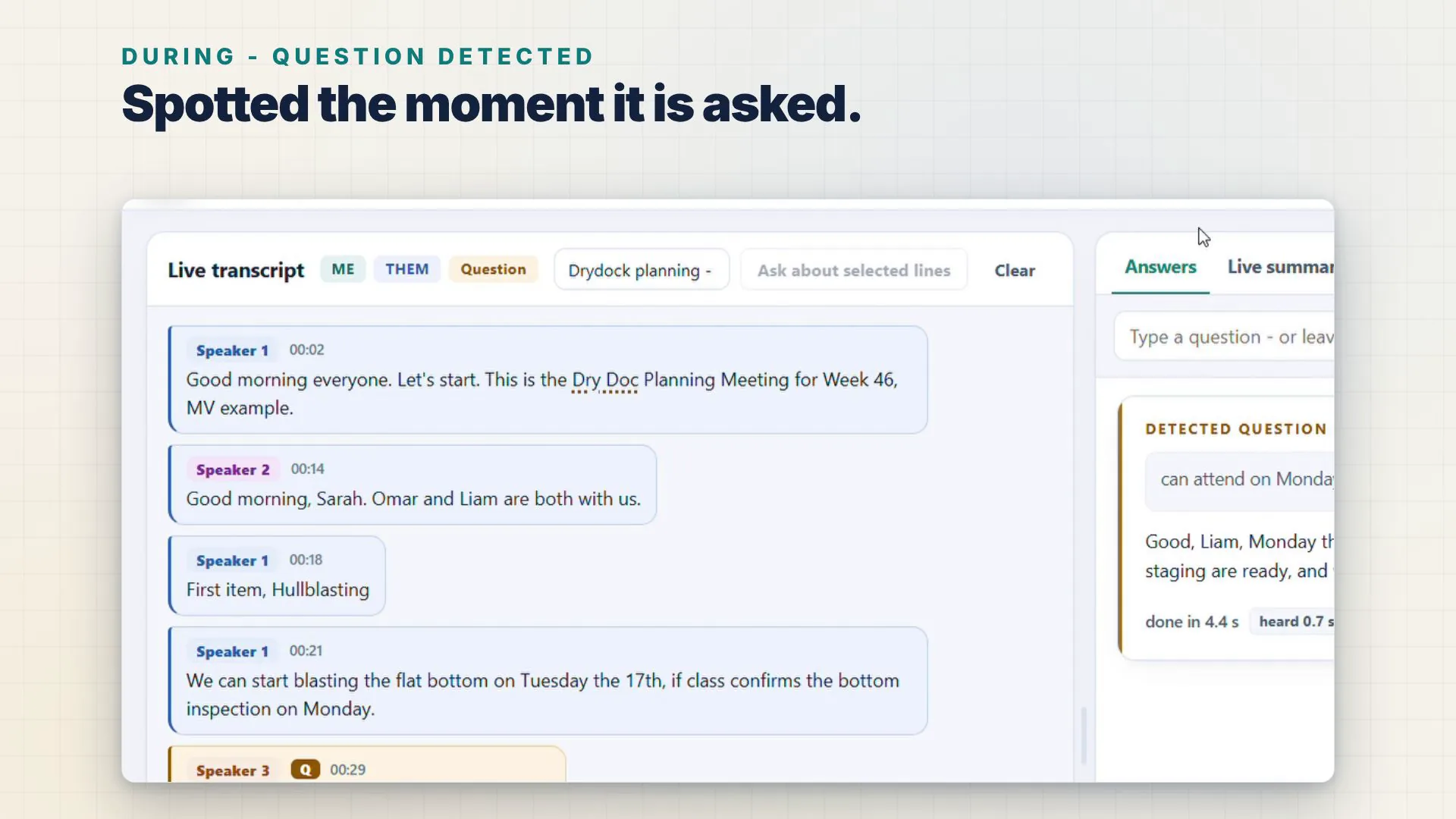
Live answers and Auto / Suggest
A question is asked; the answer is ready in seconds.
-
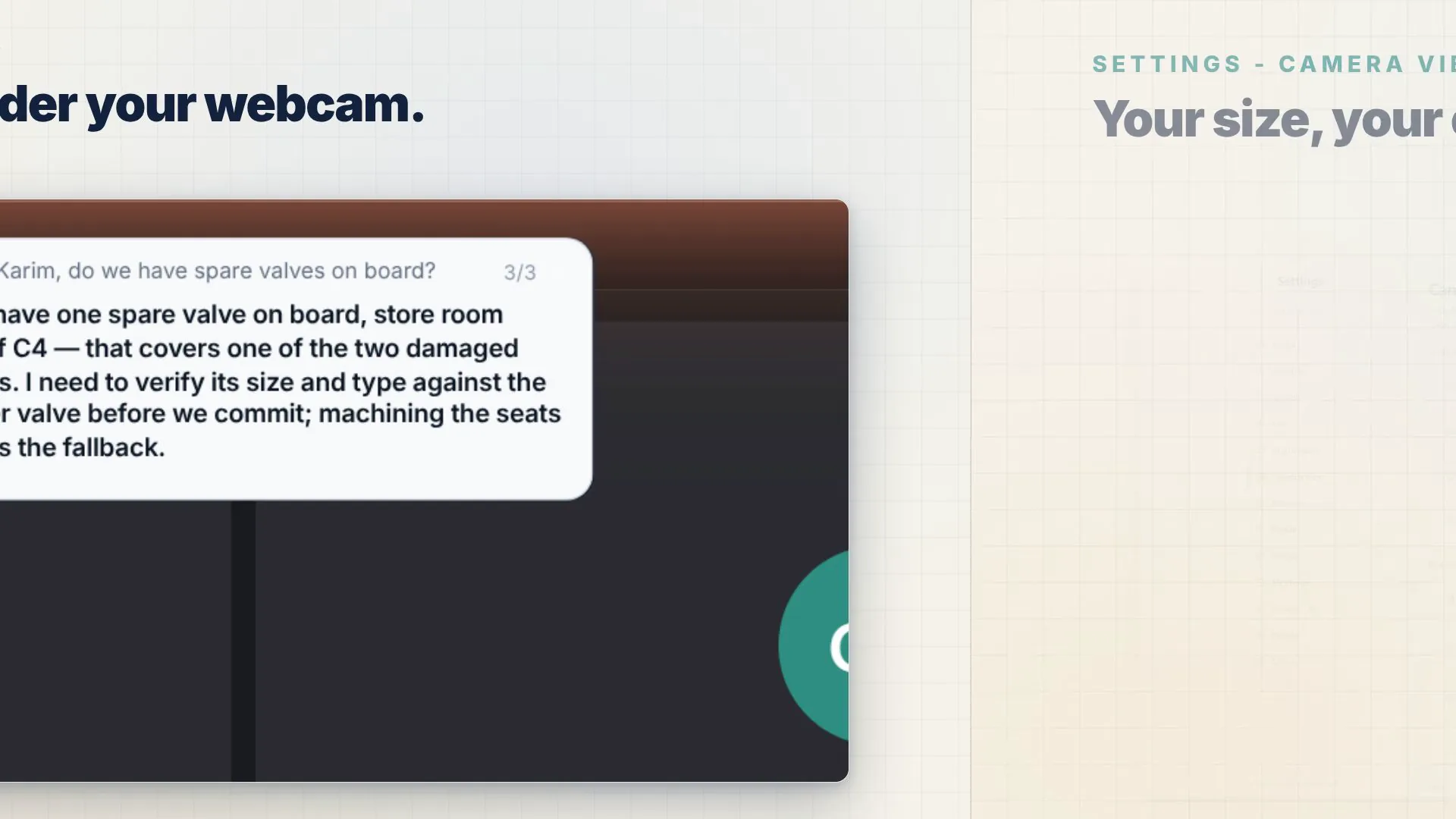
Camera view
Answers under your webcam, hidden from screen sharing.
-
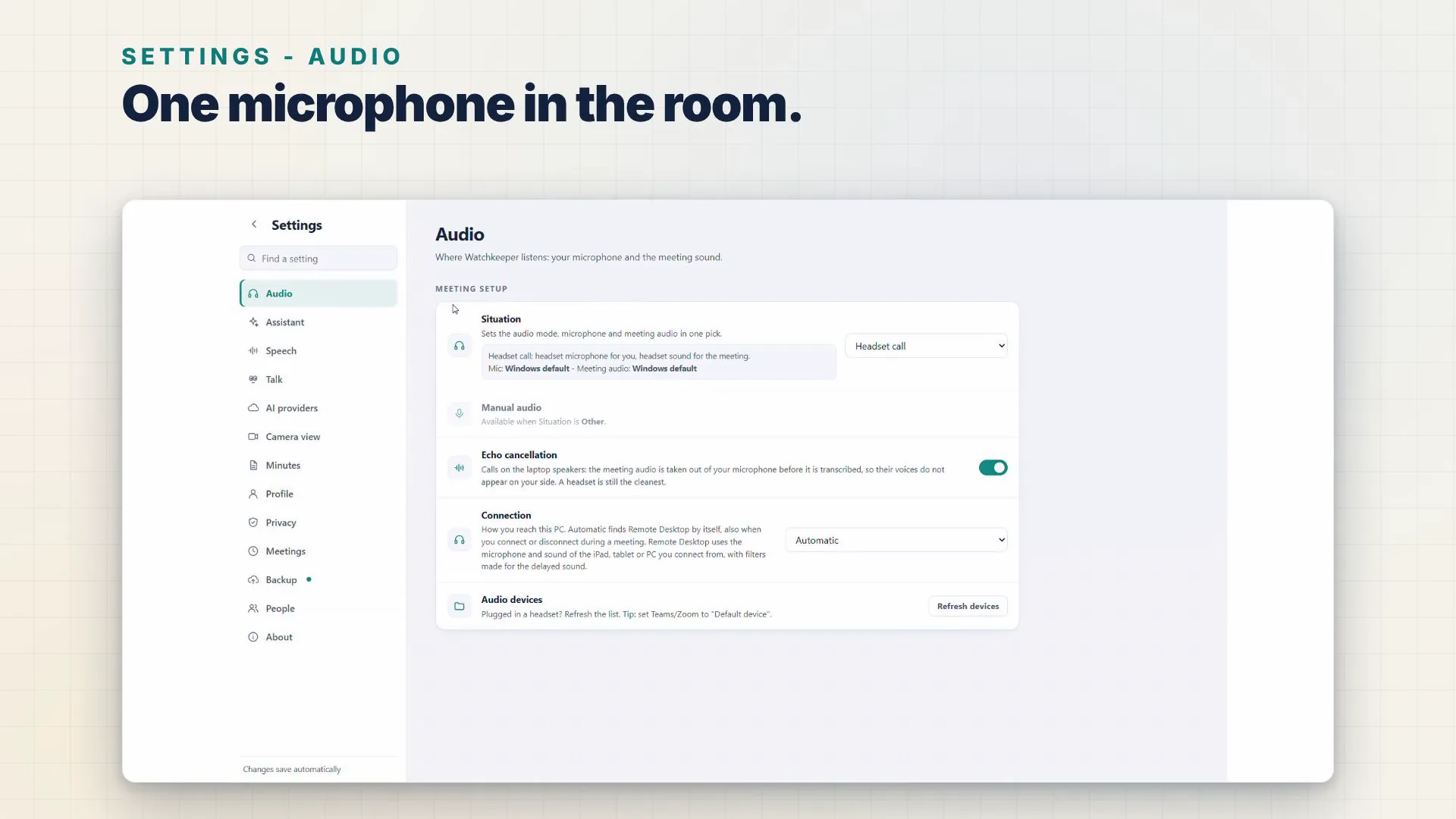
In the room and hybrid
One microphone in a room, or room plus online.
After
-
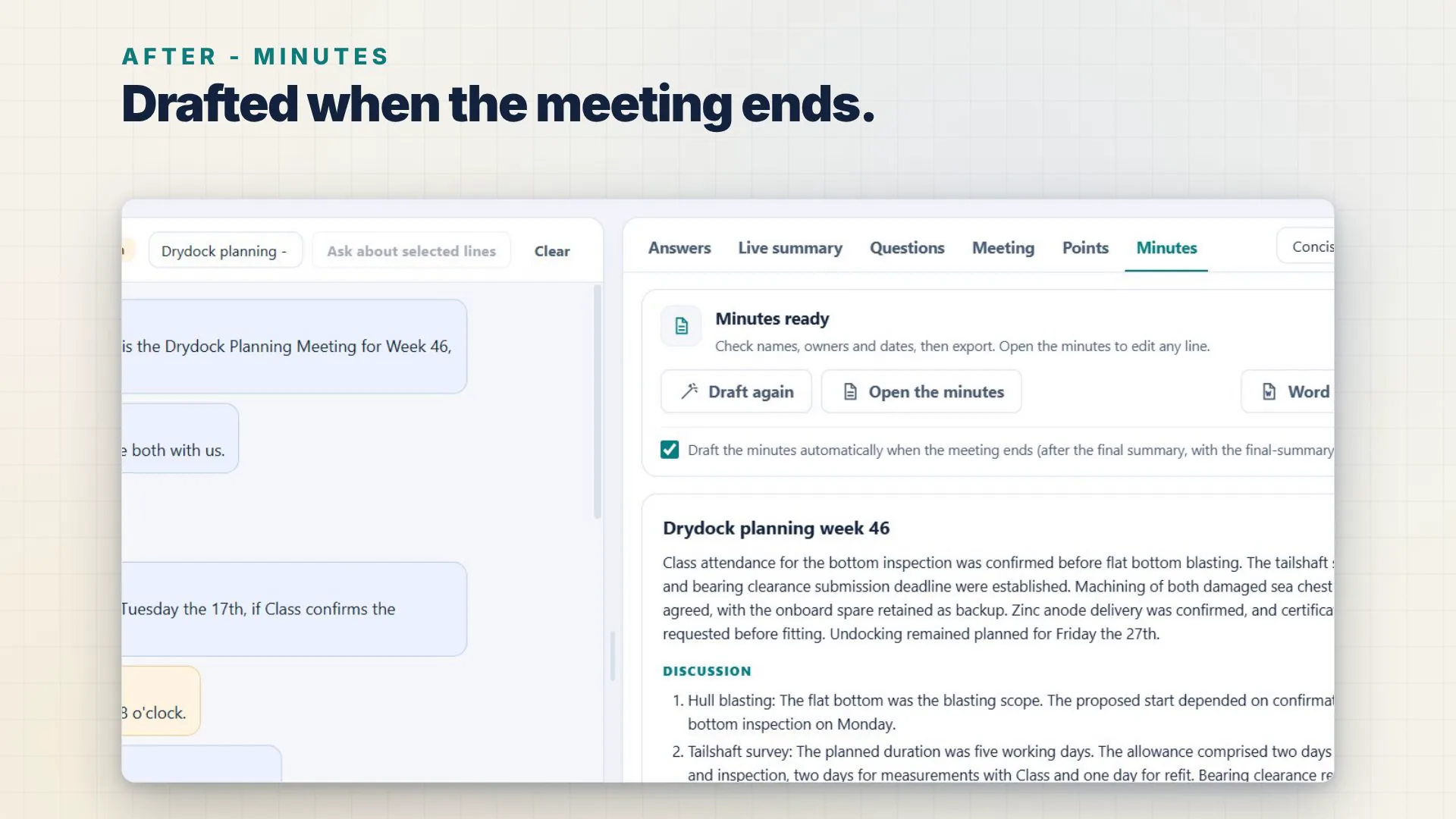
Minutes in Word and PDF
Final summary and minutes, styles and logo.
-
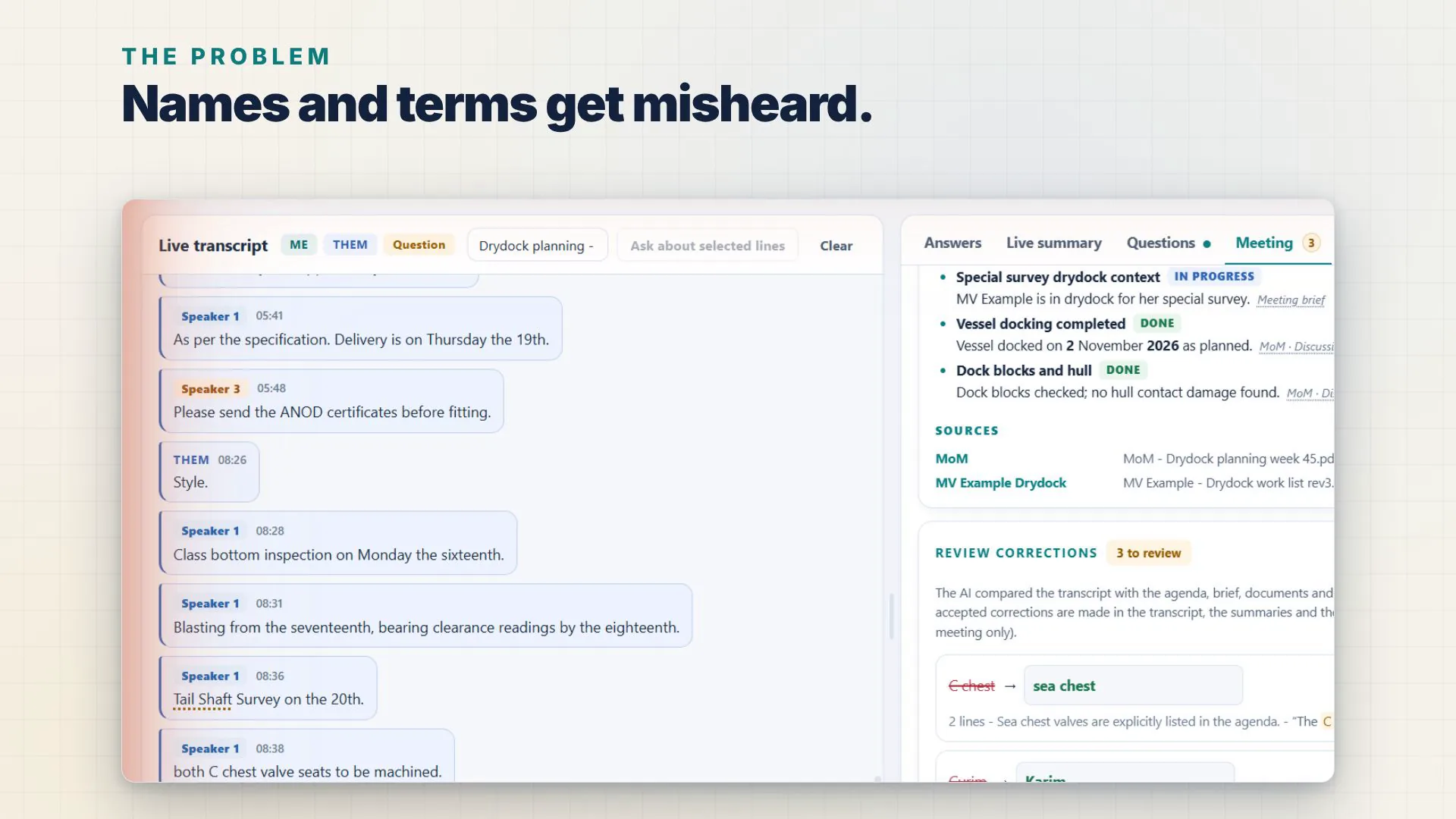
Review mis-heard words
The AI lists probable mistakes; accept with one click.
-
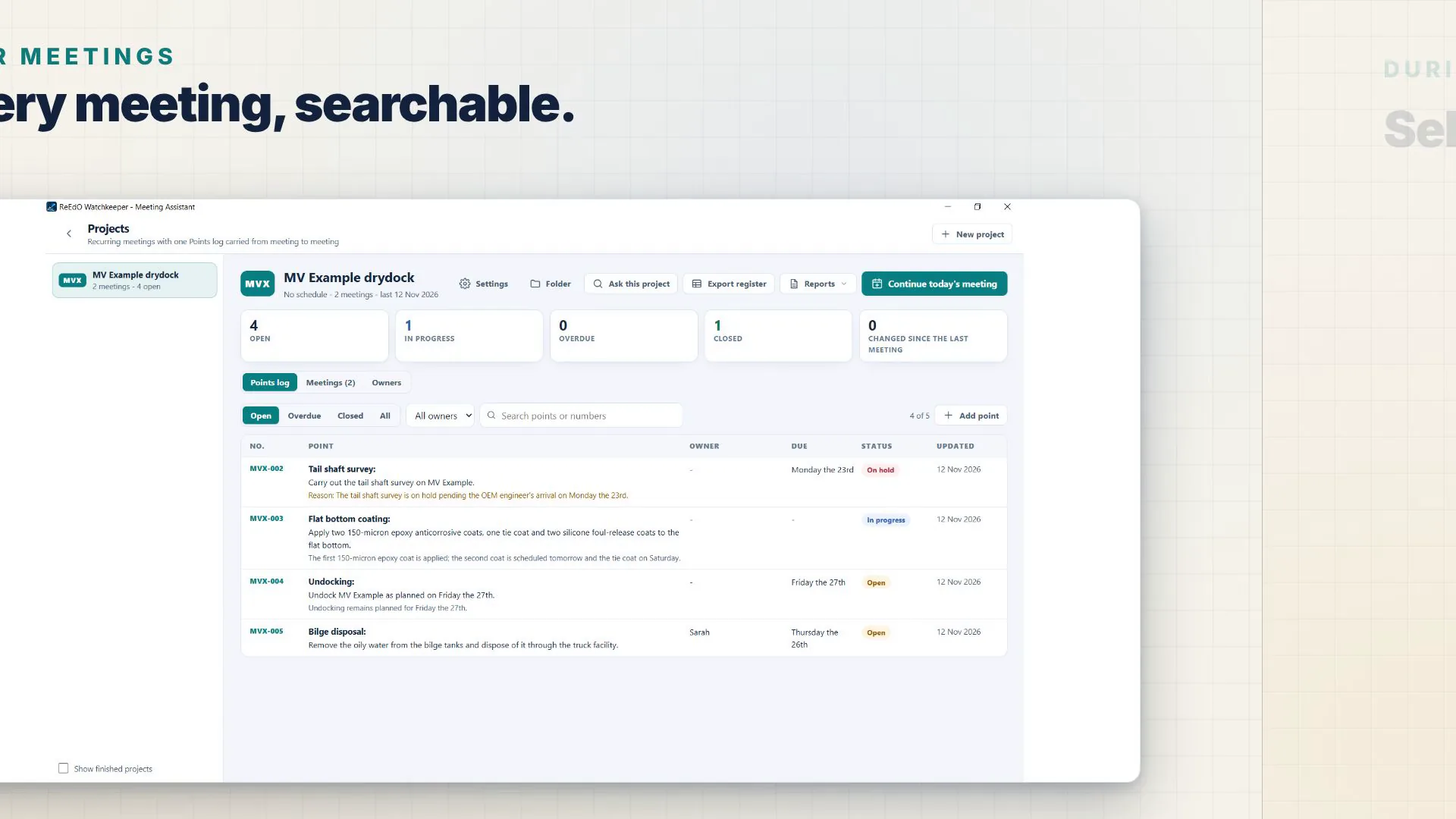
Ask my meetings
Ask every past meeting what was agreed.
-
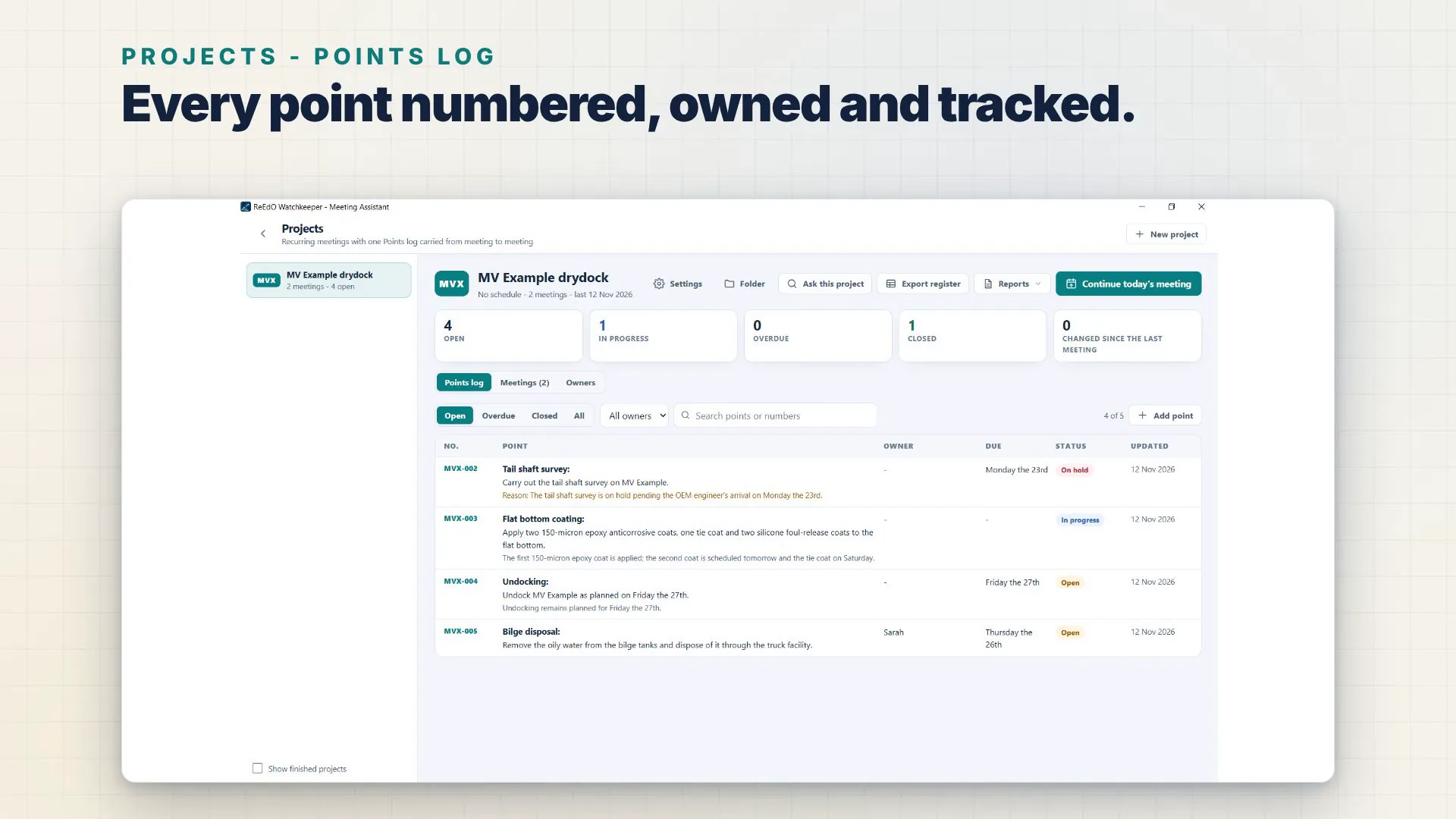
Projects: meetings that remember
Points carried from meeting to meeting, Start today's meeting, review points and the points table in the minutes.
Talk
-
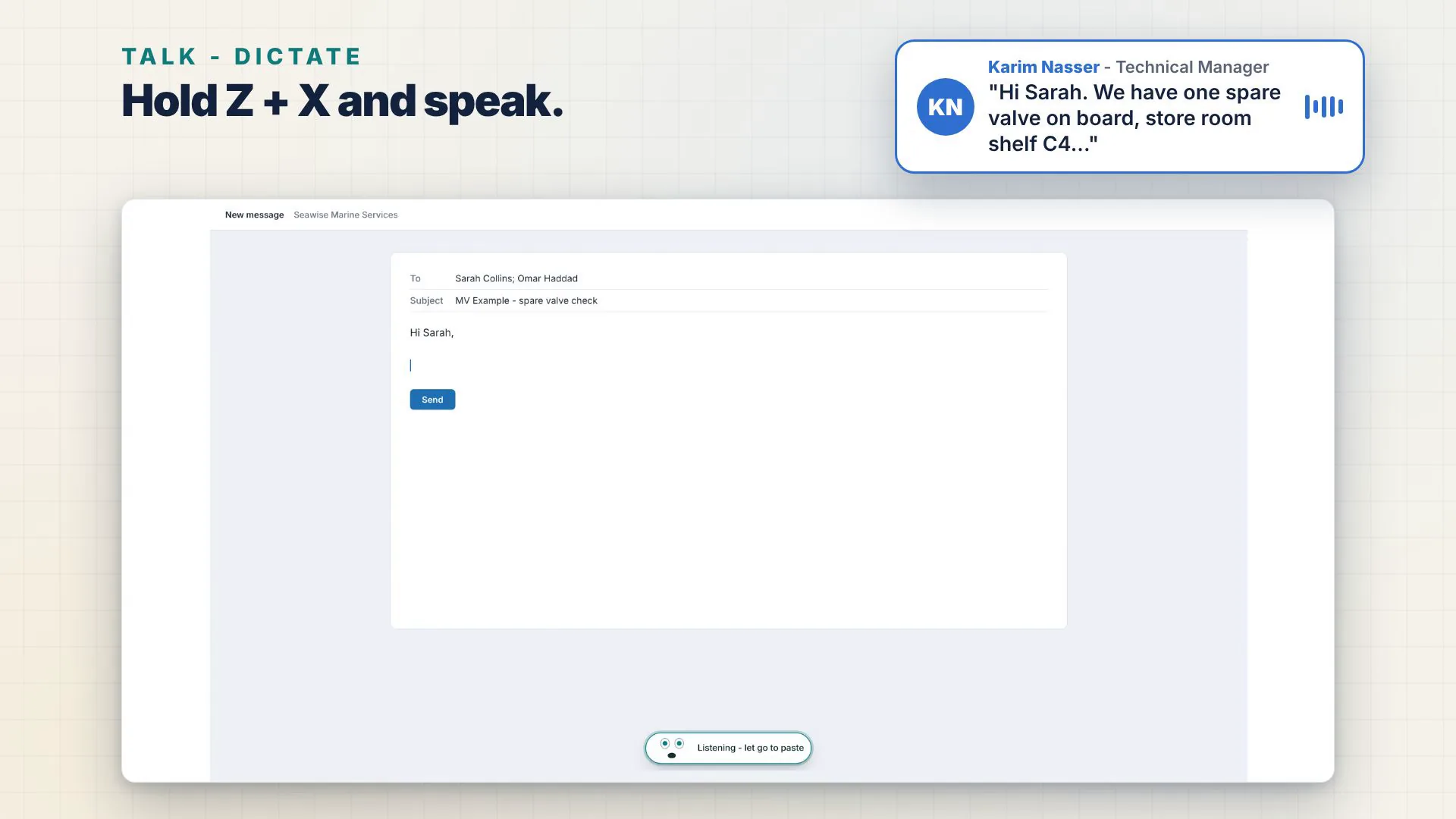
Talk: dictate anywhere
Hold Z and X, speak, let go.
Licence and updates
-
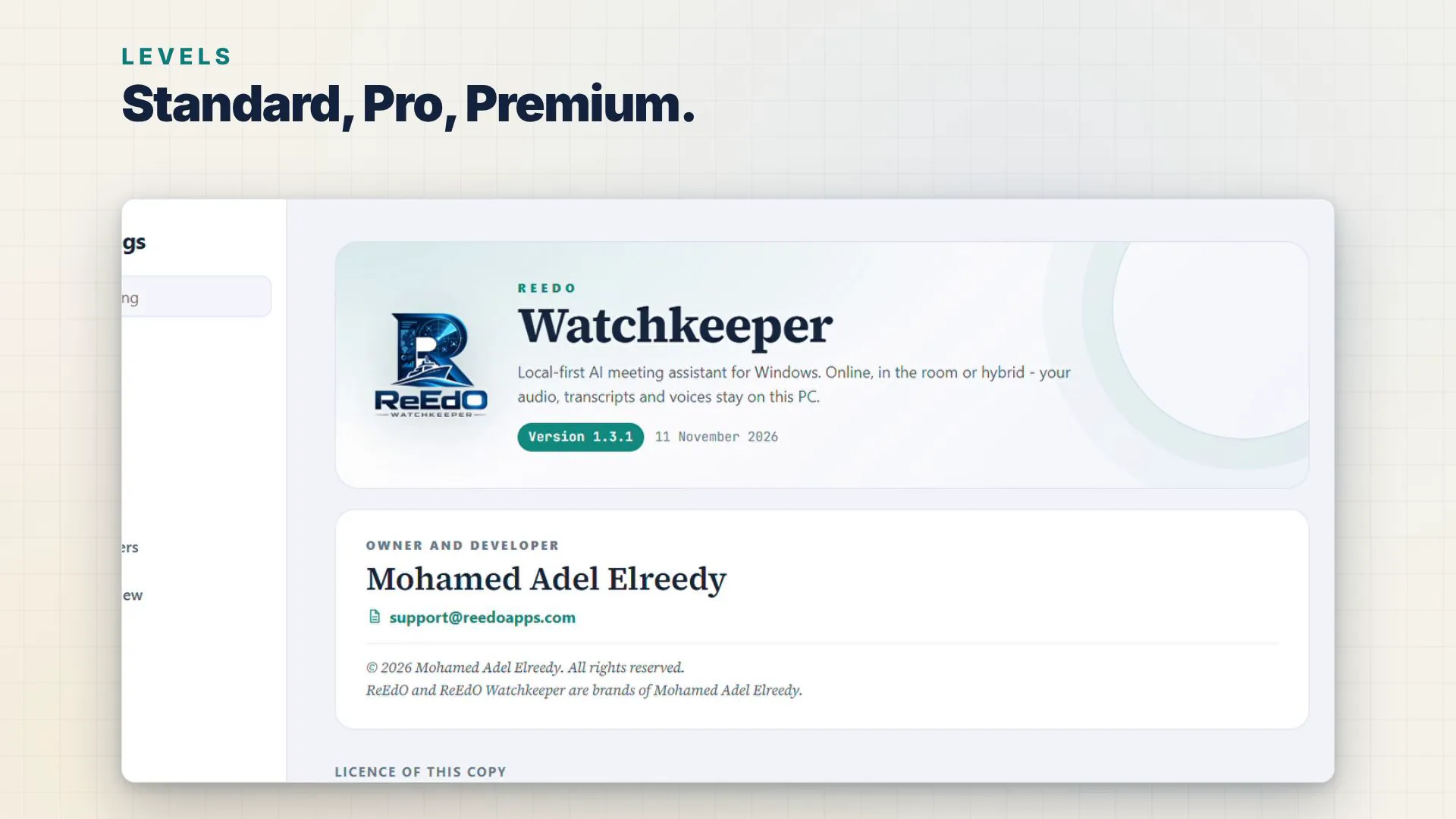
Trial and upgrade
Try the next level for up to 3 days.
-
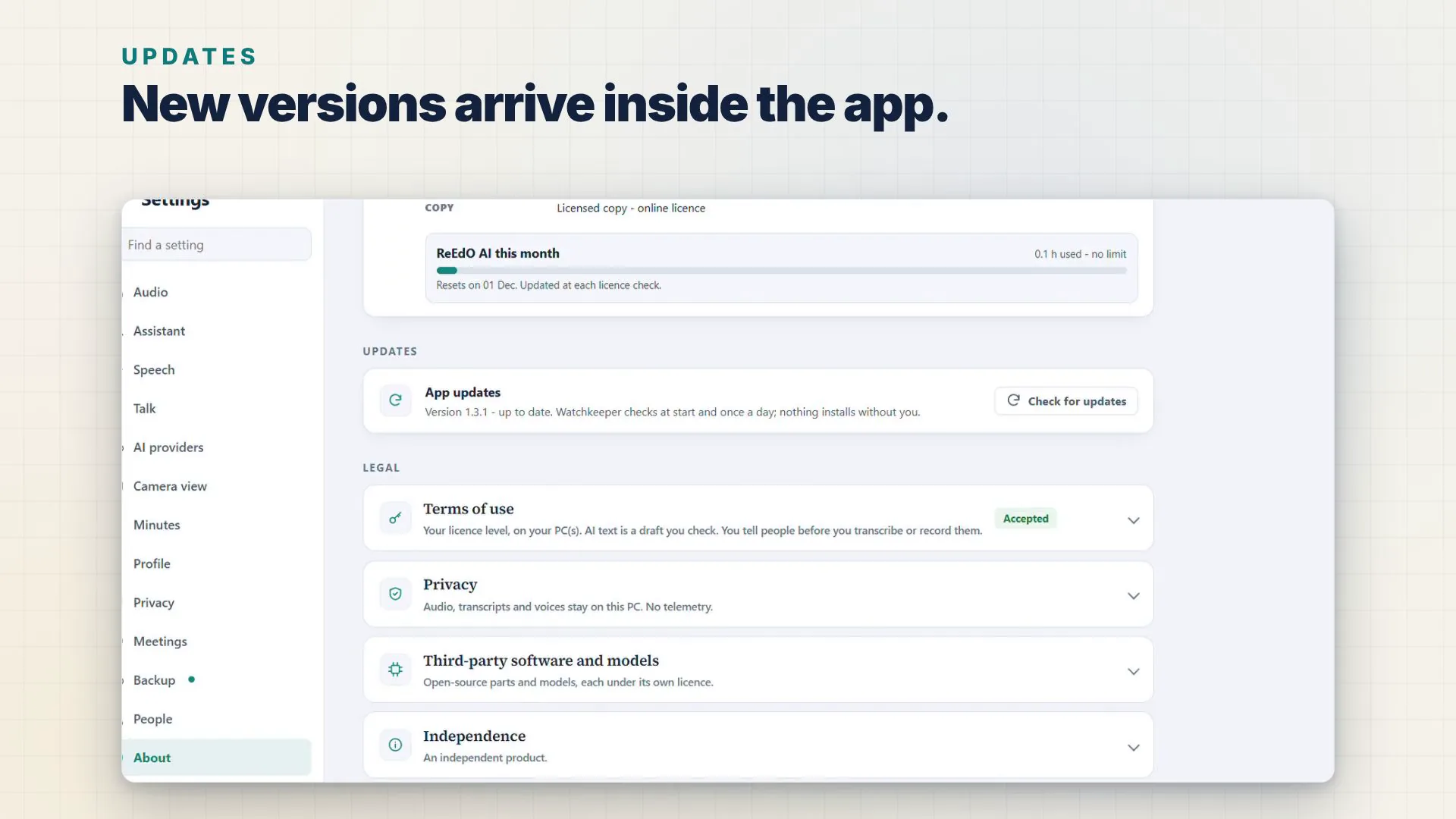
Updates
New versions arrive inside the app.
All thirteen videos are live, with sound. Click any card to play; captions can be switched on in the player (CC).